 DravyaOS
A new batch arrives and a rate has to go on it. One owner thinks "I'll give 10% off MRP." Another thinks "I want 20% on this." A third adds a fixed percentage to cost, as they have for twenty years. All three are pricing the same strip. The numbers only look unrelated because they start from different places.
Three ways to say the same price
Take a strip with an MRP of ₹120 and a landed cost of ₹90 (both including GST, which keeps the comparison honest). Suppose you decide to sell at ₹112.50. Then:
- Discount off MRP: (120 − 112.50) ÷ 120 = 6.25%
- Margin on the sale rate: (112.50 − 90) ÷ 112.50 = 20%
- Markup on cost: (112.50 − 90) ÷ 90 = 25%
Same rate, three labels. Which one you quote depends on who is asking: the customer cares about the discount, you care about the margin, your old habits speak in markup. The reason the difference matters is explained in Marg Profit % vs real margin.
The rate calculator: type any one, see the rest
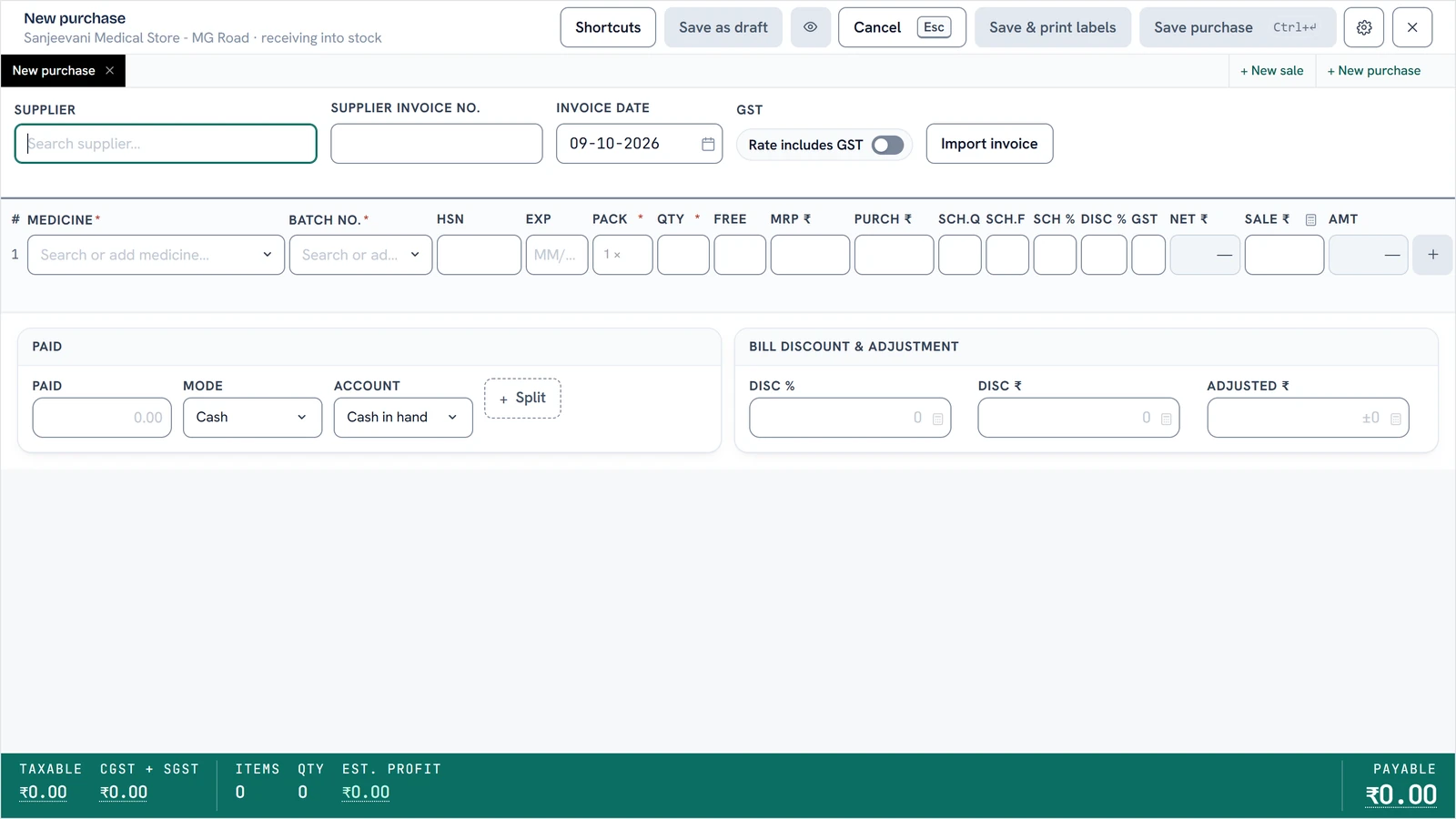
On the Sale ₹ field, click the calculator icon (or press F7 or type %). A small form opens with four boxes: customer discount % off MRP, margin % on the sale rate, markup % on the net rate, and the rate itself. Type into any one and the other three move as you type. The anchor throughout is the lot's landed cost, after discount, scheme, free goods and GST, not the sticker price on the invoice.
So if the manufacturer ran a 10+1 scheme, your real cost per unit is already lower and your margin at the same sale rate is already higher. You do not have to work that out by hand. If you want to see how a scheme reshapes cost, free goods and manufacturer discounts walks through it.
Price a whole receipt in one go
Forty lines on a purchase receipt used to mean forty calculations. Tick Apply to every line on this receipt in the calculator and the entry becomes a rule: "10% off MRP", or "20% margin". It prices every posted line off its own MRP and cost, and keeps pricing the lines you add next. If a line's rule would push it above its MRP, it is held at the MRP. A rate you typed by hand on a line stands. A strip above the receipt shows the active rule, with a Stop button.
A general calculator for the odd sums
There is also a built-in calculator, so nobody opens the Windows one mid-bill. It takes a typed expression, not a form:
120-10%is MRP less ten percent.120-10is MRP less ten rupees.120/10splits a strip rate across ten units.
Each answer is shown both without and with GST, and Enter drops it straight back into the field you opened it from. Type a purchase rate and a sale rate underneath and it shows the supplier margin and the customer margin, the second being the app's own gross-margin definition, so it can never disagree with your cost-of-goods and profit-and-loss reports.
If you are a distributor
A distributor prices its P.T.R. off what it paid, not off MRP. On a distributor's receipt the calculator over P.T.R. opens on Markup % on purchase rate. A worked example from the app: a ₹140 P.T.S. with 5% GST and a 10% markup gives a P.T.R. of ₹161.70. On a ₹200 MRP, the retailer buying at that P.T.R. keeps a margin of about 19%, which is what a retailer will compare you against. The calculator shows that retailer margin right beside it.
The same idea applies to a warehouse's transfer rate between its own shops. See running several shops.
Three habits that protect your margin
- Price from landed cost, not the invoice rate. A 10+1 scheme can turn a 22% margin into 29% without you doing anything. Don't hand it all to the customer by accident.
- Check the first bill on every new lot. The bill shows the margin per line. A negative one is a mis-keyed rate, not a clever deal.
- Keep your discount policy as a margin floor, not a percentage off MRP. A flat 10% off MRP is a 22% margin on one strip and a 4% margin on the next.
The three prices on every box, MRP, PTR and PTS, and how GST sits across them are covered in MRP, PTR, PTS and pharmacy margins.
Decide a rate from the end you think in. Let the rest follow.
Download DravyaOS for Windows