 DravyaOS
The second shop is where the paperwork starts. A customer asks for a medicine the branch doesn't have, the counter staff phones the godown, someone writes a number on a slip, a boy carries a carton over, and three days later nobody can say what was sent, what arrived, or who owes whom. Two shops should not be twice the confusion.

Two documents: asking and sending
The trick is to keep two things apart that a phone call blurs together.
- An indent is a shop asking. It carries quantities and no money, because there is no rate to haggle over with your own godown.
- A stock transfer is a shop sending. This is the one that moves stock, with batches, expiry and a transfer rate.
Any shop in your organisation can ask any other, whatever either shop's business type: a branch asks the godown, the godown asks a distributor, one counter asks the next.
The branch raises an indent
On the Indents screen you pick the shop, list the items and quantities, and raise it. Each line shows what is already on your own shelf beneath it, which is the number that should decide the quantity. Quantities can be in boxes, strips or loose units. A branch orders three boxes, not three hundred tablets.
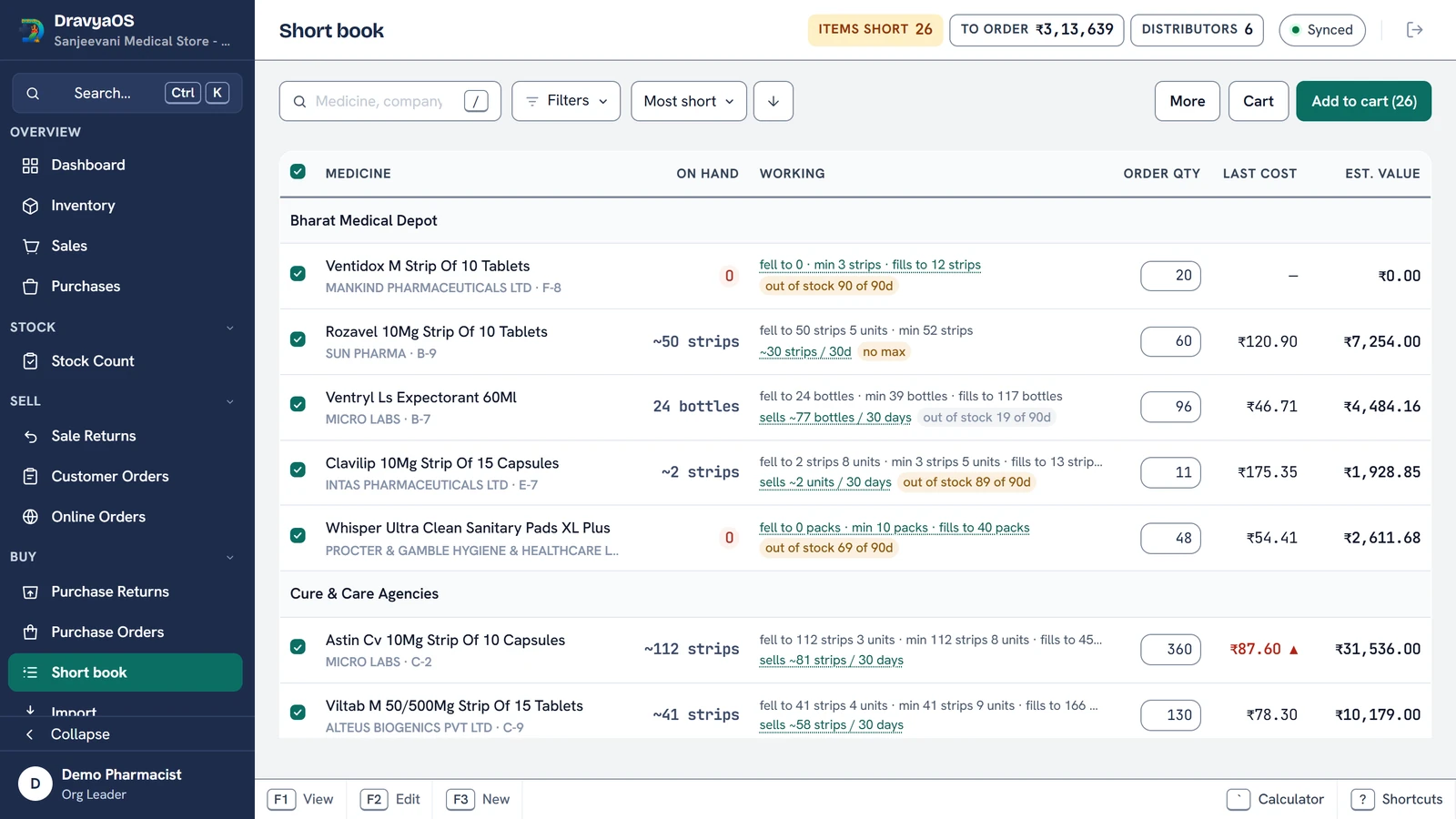
You do not have to leave a bill to do it either. The tab strip that carries New sale carries New indent beside it, so a medicine the customer wanted and the shelf didn't have goes on the godown's list mid-bill. The same short-book logic that plans purchase orders can raise the indent for you: it works on your net position, counting what you have already indented for and what is on its way as already ordered, so opening it twice never asks twice.
The godown answers, and it isn't a dispatch yet
The warehouse sees a Received queue: who asked, for what, how much. It can Approve or Reject. Approval is an answer, not a dispatch. No stock moves, because the goods still have to travel between two shops as a real transfer where the batches belong. Neither side can settle the other's half: the branch edits or withdraws only while unanswered, and only the warehouse approves or rejects.
The transfer carries the batch with it
When the warehouse raises a transfer, it can pick Against indent and the items arrive pre-filled. The lots are split on screen as the quantity is typed, soonest expiry first, one row per lot with batch, expiry, MRP and the transfer rate. Expired lots are left out, so a transfer can never be a write-off pushed onto a branch.
A transfer then moves through three honest states:
- Not sent: composed, nothing has moved, still editable.
- In transit: Send takes the stock off the warehouse's shelf, where it belongs to neither shop. It is drawn in blue, not green, because stock in a van is not settled.
- Received: the branch signs for it and it lands in the branch's own stock as a sellable lot, with the same batch and expiry.
Receiving is the destination shop's click, so a warehouse cannot sign for its own delivery. A mis-click on Send is undone with Recall until the branch receives it. After that the transfer is final, because the goods may already be sold. The fix then is a transfer back.
Nobody orders blind
In-transit stock shows on both sides, under the on-hand figure in Inventory: +40 in transit at the branch, 40 sent, not received at the warehouse. So a reorder decision is never made without knowing what is already on the van.
When the godown only has part of it
Warehouses rarely have everything. A part-filled indent stays open and shows a Sent and a Still owed column against each line, and the queue reads something like 84 of 200 sent. The next transfer against that indent starts from the balance, never the original ask, so the same units are never sent twice.
If the shortage began with a customer's order, the order book's Raise indent carries it through. The indent keeps a link to Order 17, so the warehouse knows there is a person waiting, which is not the same as a routine top-up.
What about GST between your own shops?
It depends on the registrations.
- Same GSTIN: no money and no GST between branches. Stock moves on a delivery challan, and the paper says on its face that nothing is payable.
- Different GSTINs: under GST those are distinct persons, so stock sent between them is a taxable supply. When both shops have a GSTIN and they differ, Send raises a real tax invoice in the sender's Sales (CGST and SGST within a state, IGST across states), and Receive books it as the branch's purchase with the input credit.
The confirmation says which of the two it is about to do before it does it. If you are unsure how your shops are registered, ask your CA first. See also our guide to the GST-compliant bill.
One set of books, still
Each shop keeps its own stock, bills and drawer, and an owner or manager at organisation level can read across all of them. Because every change syncs to every device, the branch sees the godown's approval and the godown sees the branch's receipt without anyone calling. How that works is in bill on the PC, see it on the phone.
Replace the phone call with a paper trail.
Download DravyaOS for Windows