 DravyaOS
For most chemist shops, more than half the till is now digital. UPI is fast, free to accept, and expected — but a taped-up static QR by the counter creates its own small frictions: customers key the wrong amount, you squint to confirm the "payment received" screen, and the queue backs up. There's a tidier way.
Why UPI won the counter
- No change to fumble — the exact rupees-and-paise move instantly.
- No MDR on person-to-merchant UPI for most small pharmacies — you keep the full amount.
- Every customer already has an app — nothing to install, no card machine to rent.
- An instant digital trail that matches your bill.
The problem with a taped-up static QR
A single printed QR stuck to the counter works, but it's dumb — it carries your VPA and nothing else. The customer has to read the bill, type the amount, and get it right. On a ₹1,247 bill someone types ₹1,240, or ₹12,470, and now you're checking, correcting, and holding up the next person. Multiply that across a rush and it's real lost time.
Pay-by-scan, tied to the bill total
The upgrade is a QR that already knows the amount. When your billing software generates a UPI QR for the exact total, the customer scans, and their app opens pre-filled — no typing, no wrong figure, no "should I add the paise?" They approve, you see it clear, done. The queue keeps moving and the amount is right every time.
Because the QR is generated per bill, it also lines up cleanly with your records: the sale, its total, and the payment prompt are one flow rather than three disconnected steps.
Setting it up sensibly
- Register a merchant/business VPA with your bank or a UPI app, in the shop's name — keep business receipts separate from personal.
- Confirm your limits — daily and per-transaction caps vary by bank and app; know yours so a large bill doesn't bounce.
- Reconcile daily — match the day's UPI credits against billed digital sales. Software that records the tender type makes this a one-minute check.
- Keep a fallback — a static QR and cash for the rare app outage or a customer whose phone is dead.
Always verify a payment has actually cleared before handing over goods — trust your bank's confirmation, not a screenshot on the customer's phone. Screenshots can be faked or stale.
Digital payments and your accounts
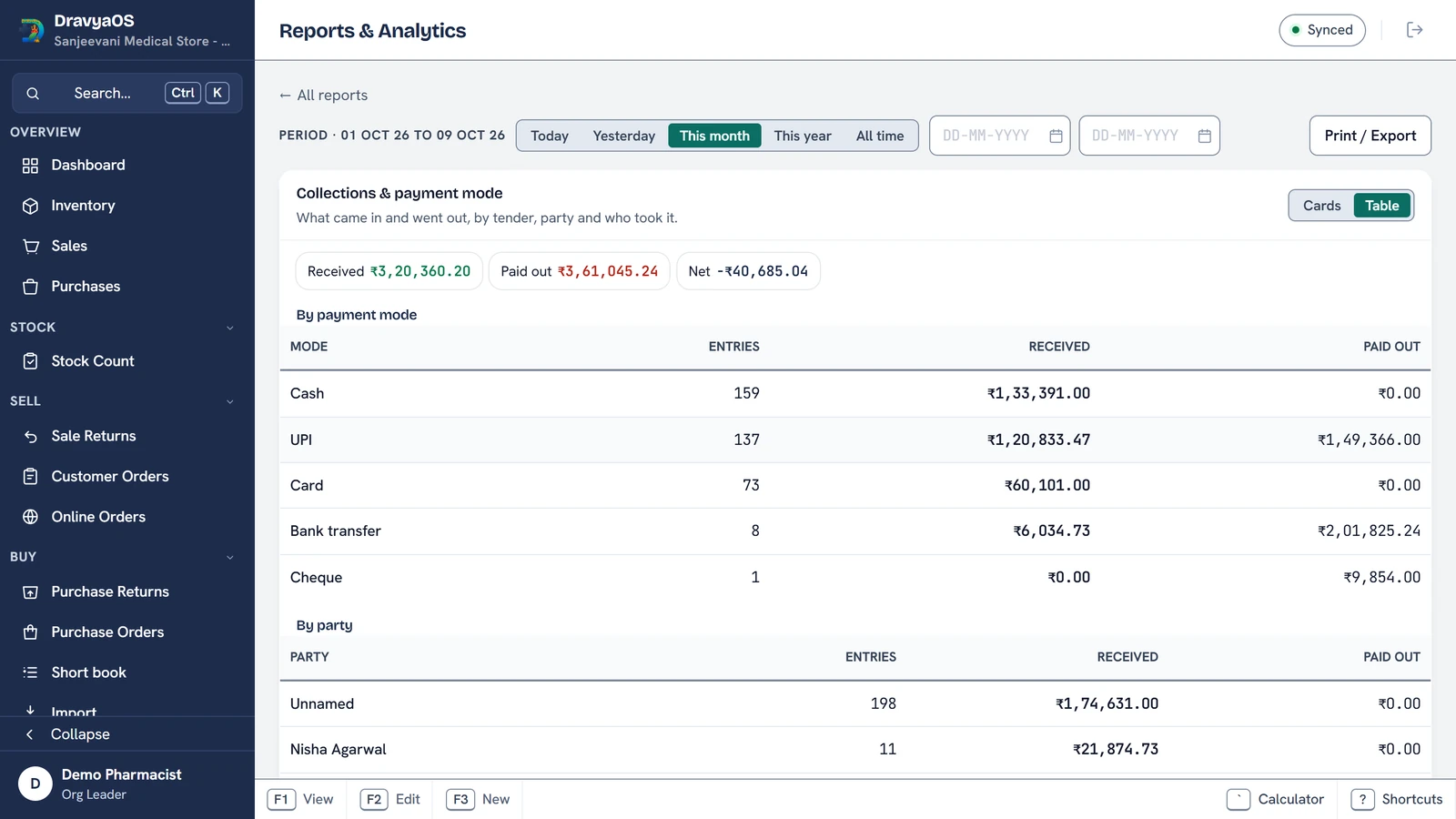
The point of digital isn't only speed — it's that money movement becomes data. When each bill records how it was paid (cash, UPI, card, or on credit), your day-end totals reconcile themselves, your udhaar stays visibly separate from paid sales, and month-end stops being guesswork. A pile of "received" screenshots gives you none of that; a tender field on every bill gives you all of it.
How DravyaOS handles it
DravyaOS can generate a pay-by-scan UPI QR for the bill's exact total, so the customer scans an already-filled request instead of typing the amount. It records how each sale was settled, keeping cash, UPI, and credit cleanly apart for a painless day-end — all offline and keyboard-first.
Speed the queue with exact-amount UPI QRs — offline, no invoice cap.
Download DravyaOS for WindowsNext: keep the paid and the pending apart with udhaar / khata management, or make sure every bill is tax-clean with the GST-compliant bill guide.