 DravyaOS
Returns at a pharmacy are small and constant: a wrong strength, a duplicated prescription, a bottle that arrived damaged, a rate that was keyed wrong. Each one is a few rupees, which is exactly why they are handled badly. A refund from the till with no paperwork leaves the bill, the stock and the GST return all saying a sale happened that, in effect, didn't.
This is a practical guide, not tax advice. Time limits, rate details and how a return is reported can depend on your registration and the original bill. Check specifics with your CA.
What a credit note does
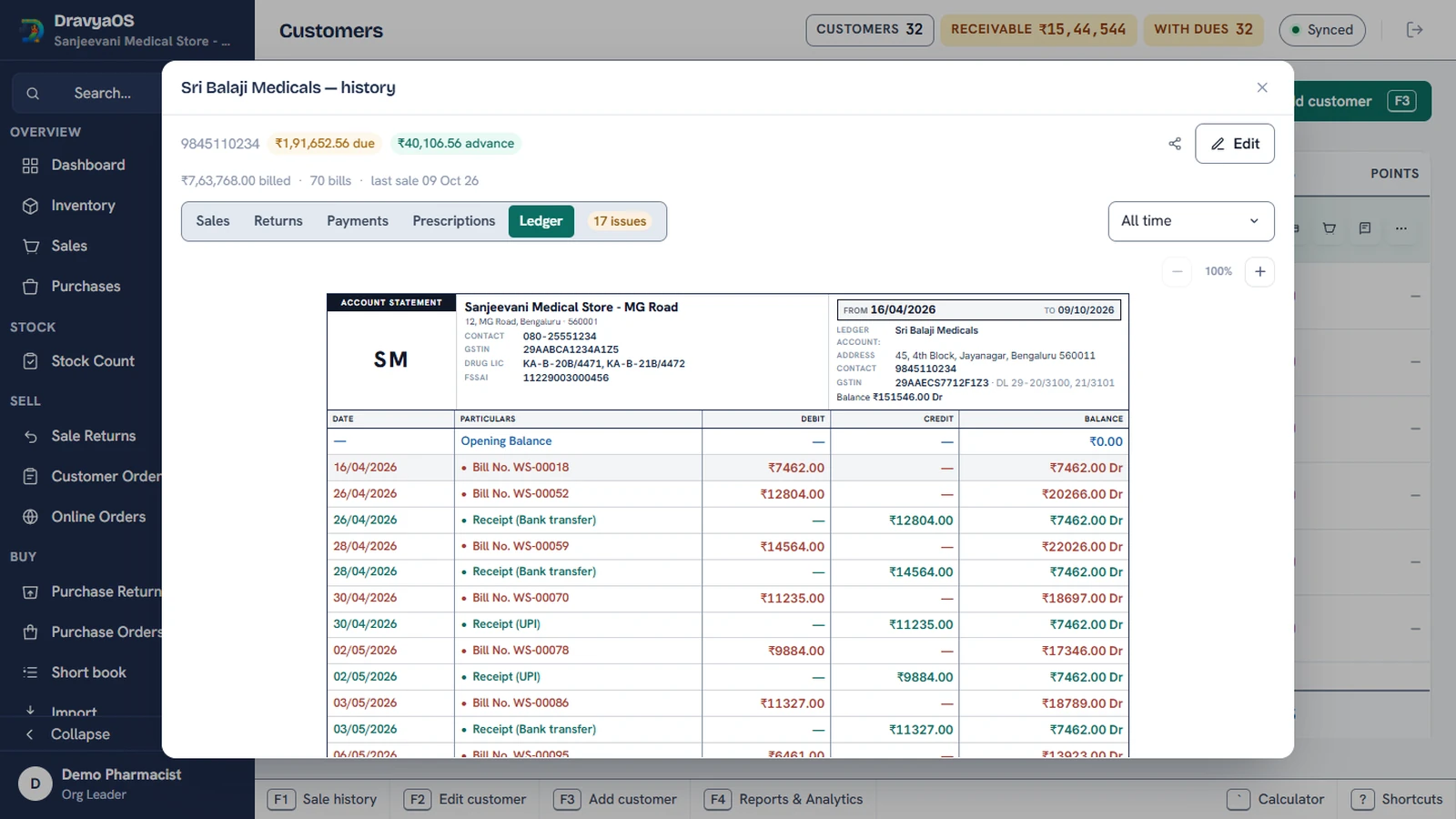
When goods come back after a sale has been invoiced, the supplier of the goods, here you, issues a credit note to the customer. It reduces the original invoice's taxable value and the GST on it. Three things must then agree: the stock (the units are back), the money (a refund or an adjustment against dues) and the tax (the return reduces what you report).
In DravyaOS a Sale return does all three in one document, which is the reason to use it instead of just handing back cash.
Step by step at the counter
- Open the sale return (F3 on the Sale Returns screen), or start it from the bill itself.
- Pick the lines and quantities coming back. The GST on each line is the medicine's rate, stated rather than typed, so a return can't drift from its bill.
- Choose the kind of return from six: expired, damaged, short supply, wrong item, rate corrected, other. Add a sentence for this particular note if it helps. The kind shows as a word on each row and can be filtered on later.
- Settle it. Refund in cash or UPI, or leave it as credit on the customer's account.
Refund, adjust or hold as credit
- Refund now. Cash or UPI goes back, and the note is settled.
- Hold as credit. An unsettled credit note is spendable at the counter. On the next bill the picker flags what the customer holds in rupees, one tap applies it, and it comes off before the amount-paid field, oldest note first. The counter asks for what is really left.
- Edit a paid bill down. Remove a line from a bill that was already paid and the totals strip shows Refund ₹65.00 in red where it used to say Due ₹0.00. Save asks what to do with the money, so a changed bill never leaves a silent gap in the cash book.
When the original bill isn't in the system
Someone returns goods from a bill your previous software printed. The only copy is in their hand. The sale return screen takes the original Against invoice number and Invoice date beside the return date, so the credit note names the bill it reverses even when that bill was never entered here. This matters most in the first months after you change software. See switching from Marg.
Numbering your credit notes
Credit notes carry their own prefix, set in Settings → Billing → Credit note prefix, so a return prints as CN/12 on the note, the customer's statement, the lists and the GST reports. You can also set the next credit note number to carry on from your old book, and restart numbering every financial year (for example CN/3/26-27). Unique, consecutive numbers are what keep the GST portal and your books agreeing.
How it reaches GSTR-1
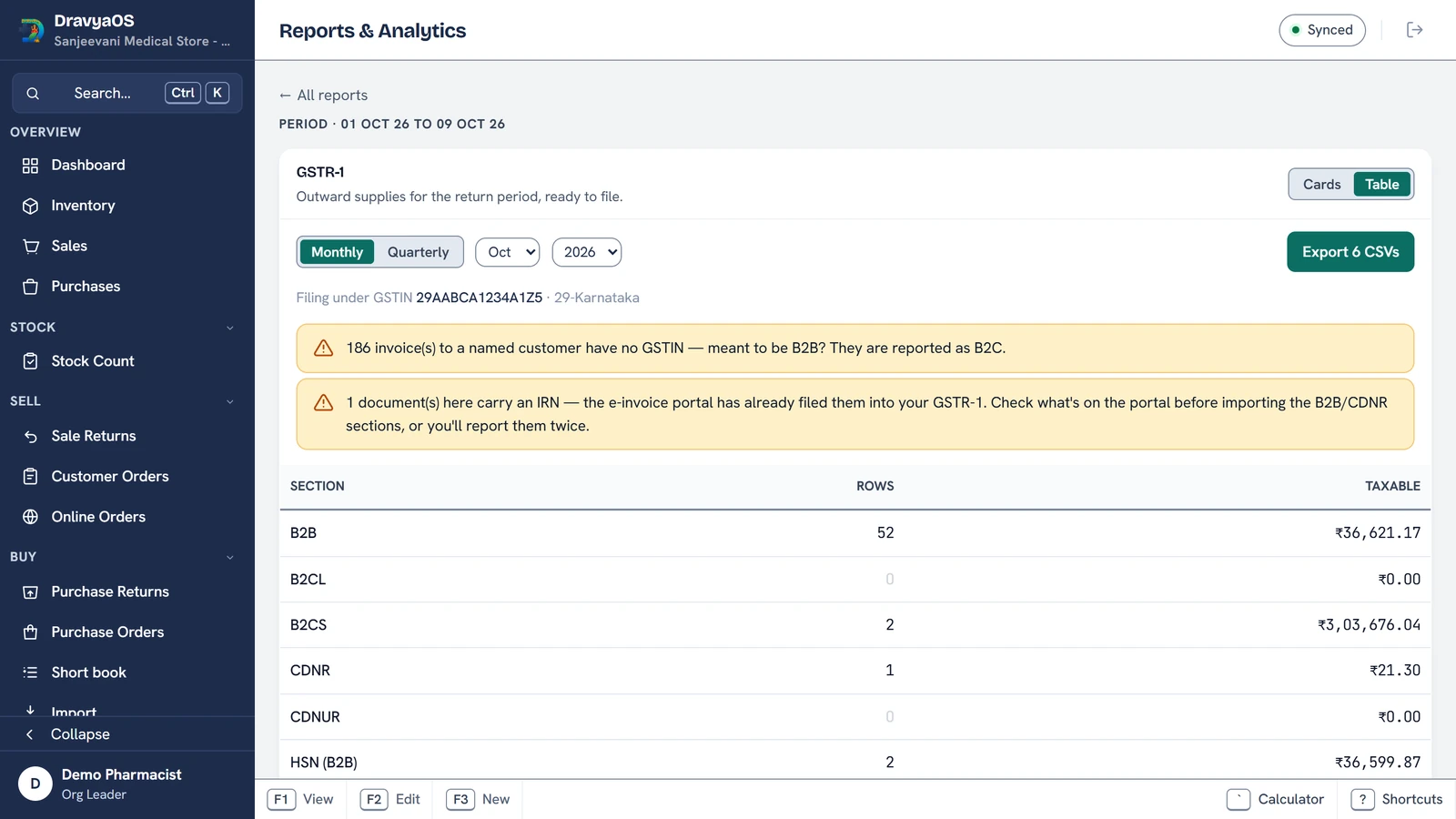
Credit notes show in their own section of the report, separated by whether the customer is registered, and they reduce the totals for the period they are issued in. Our guide to GSTR returns for pharmacies explains the sections. One general rule worth knowing: GST law sets a cut-off for issuing a credit note against an invoice, tied to the end of the financial year, so don't let the paperwork for an old return sit.
A weekly look at your returns
Because every return is tagged with its kind, a quick filter tells you what is going wrong. A pile of wrong item returns is a counter-training problem. A run of expired ones is a stock-rotation problem, and the fix starts earlier, in batch and expiry management. A handful of rate corrected notes is a keying problem to catch at the bill.
One return document that fixes stock, money and tax together.
Download DravyaOS for Windows